A link to reset your password has been sent to your registered email.
If you do not find it in your inbox, check your spam folder.
Didn't get email?
Verify Your Email
A link to verify your email has been sent to you.
If you do not find it in your inbox, check your spam folder.
Didn't get email?
Secure access required
The Customer Portal requires secure link authentication. Please enter your email to receive a log-in link.
By submitting, you acknowledge this form is protected by reCAPTCHA and the Google
Privacy Policy
and
Terms of Service
apply.
Check your inbox
We sent a secure sign-in link to . Click the link in the email to sign in — no password needed.
Didn't receive the link?
Link resent!
Check your email
We sent a 6-digit verification code to
.
Enter it below to continue.
Invalid verification code.
Didn't receive a code?
Code sent!
SOTI Snap App
Tutorial: How to install a SOTI SNAP App
Use the above token to get this app on SOTI Snap web console. Then, publish it on selected devices. For step-by-step directions.
Watch Video
SOTI Snap App
Expense Report
By SOTI Inc.
SOTI Snap App
SOTI XSight
SHARE
Email
Copy Link
Overview
Features
Company
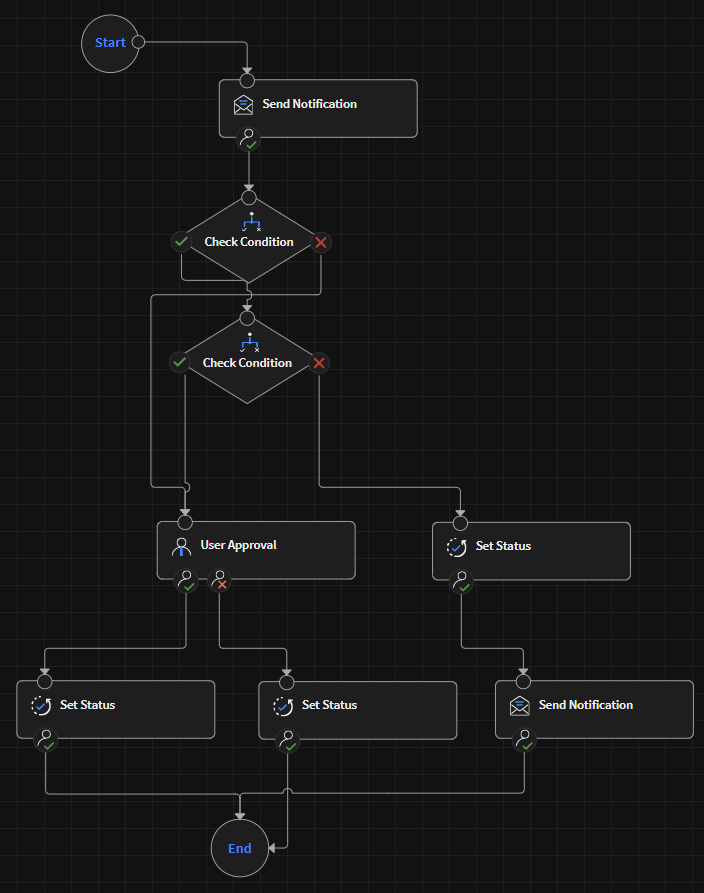
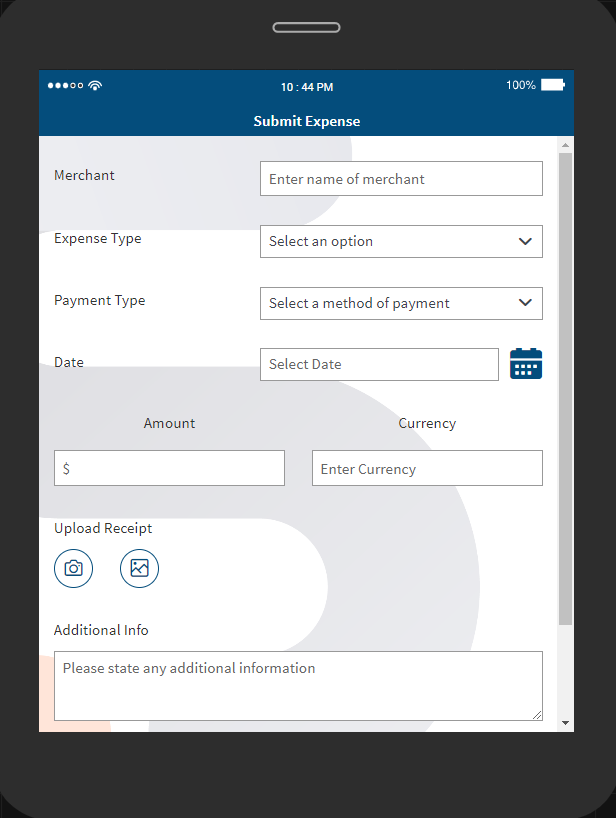
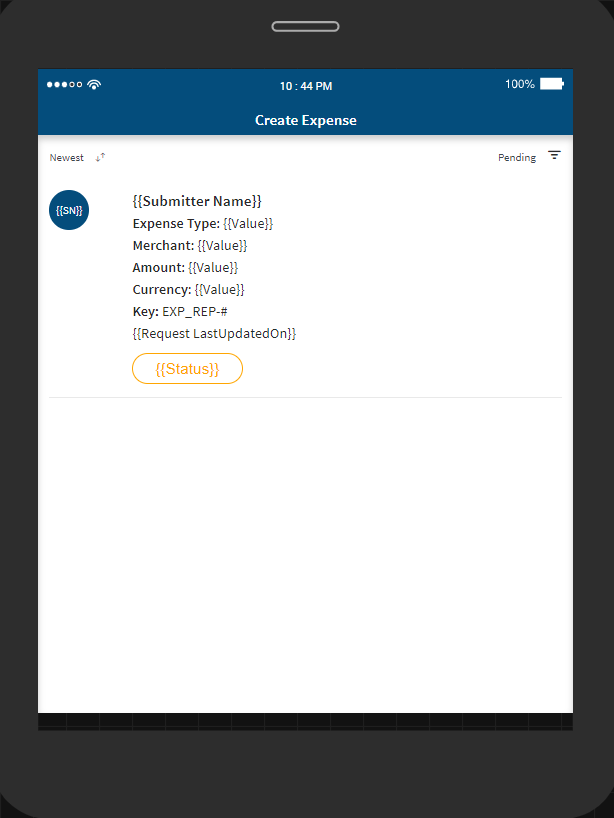
An app to record and submit detailed expenses, including the merchant, type of expense, payment type, location of the expense, date of the expense, expense amount, an option to upload the receipt of the expense, and finally, an option to add additional notes about the expense. When submitted, an email notification is sent to a manager about the expense, and their approval is required.
Key Features
Textbox
For text input, may check that it adheres to specific sequence of letters and numbers. Show character count. Supports multi-line inputs. Allow barcode scans as input.
Button
Programmable to do different things. Common use cases are page navigations or form submissions, but can also be used to do things like: calculations, trigger business logic, etc. The button’s appearance is customizable.
Radio Buttons
Provide users with multiple selections but only selecting one choice. Choices are created during design-time.
Dropdown
The list of choices is configured during design time and can be populated from various data sources like Excel or Google Docs.
Geo Location
Users can input their location by clicking this widget. Will capture info like address, city, country, latitude, longitude, etc.
Camera and Image Upload
Turn on device camera or upload existing images on the device. Annotate or draw on the photo as part of the submission. Option to embed EXIF data onto the photo itself to prove authenticity.
Workflow approvals
Allows a manager to approve a submission. It can also be used by the management team to get consent/confirmation from multiple employees. Workflow approval has its own designer to visually represent what the approval process looks like from request to completion. Approvers can approve completed tasks on device or from the Snap web portal. Multiple levels of approval are supported.
About Company
SOTI is a proven innovator and industry leader for simplifying business mobility solutions by making them smarter, faster and more reliable. With SOTI’s innovative portfolio of solutions, organizations can trust SOTI to elevate and streamline their mobile operations, maximize their ROI and reduce device downtime. Globally, with over 17,000 customers, SOTI has proven itself to be the go-to mobile platform provider to manage, secure and support business-critical devices. With SOTI’s world-class support, enterprises can take mobility to endless possibilities. For more information, visit www.soti.net.