

Discover the latest advancements in mobile technology with insights from SOTI and industry experts.
SOTI MobiControl fails to automatically grant the runtime permissions required by the app during installation. The permissions are then shown as “Disabled by Admin,” which prevents the app from pairing successfully.
The deprecated `GetLogLevels` and `SetLogLevels` APIs will be retired in SOTI MobiControl 2027.0.0. Migrate to `GetLogLevelConfigurations` and `SetLogLevelConfigurations` to manage server log levels.
Users upgrading the SOTI Snap Device Agent from 2026.0.0 or 2026.1.0 to 2026.1.1 may encounter a black screen before the device enters Lockdown mode.
Users upgrading the SOTI Snap Device Agent from 2026.0.0 or 2026.1.0 to 2026.1.1 may observe the "Setting things up" screen remaining on the device instead of automatically launching the Lockdown App when the device attempts to enter Lockdown mode.
Multi-Factor Authentication (MFA) is now available to all tenants in SOTI Identity, regardless of service tier. This release removes the previous entitlement restriction tied to Enterprise Plus or Premium Plus plans. Existing tenants with MFA disabled now have it activated automatically, and new tenants now have MFA enabled by default. Automatic MFA enablement gives every organization using SOTI Identity an additional layer of protection without requiring any plan changes or manual activation steps.
SOTI Snap Business and Lockdown applications now support signing users out from anywhere within the app. The new Snap Logout action can be configured for supported widget events or triggered through JavaScript and Blockly, making it easy to incorporate secure sign-out into user workflows. This feature helps protect shared devices, improves security, and enables users to quickly and securely end their sessions.
Resolved iOS shared device logins that could fail due to incomplete profile installation, fixed dual eSIM check-in showing “Unknown” values, and addressed several post-upgrade issues including stuck reports, upgrade handler errors, and missing Web Clip icons, plus restored Windows auto login, ensured agent compatibility, improved Japanese app policy visibility, recovered syslog entries after outages, and fixed Wi‑Fi certificate installs and permission resets for reuploaded packages.
Fixed Lockdown sleep on SUNMI, MXMF dismissal after restart, password count reset, corrected landscape-tablet annotations during remote control, ensured policy updates run in sleep, resolved truncated screens on Rockchip rk3588s.
Fixed Lockdown sleep mode, aligned landscape annotations during remote screen drawing, auto-dismiss of loading screen after restart on Android 11 Zebra, reduced app policy sleep delays, and prevented crashes when enabling location permissions.
Resolved issues where SOTI Surf wouldn’t launch reliably on devices set up through Enterprise Resource Gateway, removing error messages and reducing extended loading times for a smoother start.
Stella 2026.1.1 breaks down the walls between SOTI products and lowers the barrier to automation, delivering a unified data experience across SOTI MobiControl and SOTI XSight, as well as putting script creation in everyone's hands, no coding required.

Resolved remote upgrade failures from the SOTI Connect web console, strengthened security around database backup/restore and ZIP extraction to prevent malicious paths, fixed an issue that could expose provisioning credentials in diagnostic logs, improved clustered REST Protocol Adapter behavior, and addressed printer connectivity and certificate/apply-settings problems across Epson and SATO/Bixolon models.
Resolved issues across device management, including agents and devices staying offline or failing to reconnect, incorrect actions on Windows and Android, enrollment and authentication failures, problems updating policies and app deployments, misleading health/error messages, and console/UI glitches, plus improved reliability for logging and searches.
Microsoft is deprecating RC4 encryption for Kerberos authentication in Active Directory. Customers should validate their SOTI MobiControl deployment before disabling RC4 to confirm that authentication and enrollment workflows continue to operate correctly
This article describes an issue in which some Windows Modern devices fail to upgrade the Windows Modern Agent after upgrading SOTI MobiControl from 2024.x to 2025.x, and provides the cause and resolution.
 11:24
11:24
In shared device environments, one device often supports multiple roles. From store associates and managers to warehouse workers and delivery drivers. But how do you ensure every user gets the right apps, the right experience and the right level of control? In this video, you'll learn how to design custom Lockdown experiences using SOTI Snap, creating dynamic, role-based home screens that adapt to each user and real-world conditions. You'll Learn How To: • Create Lockdown screens in SOTI Snap • Design pre-and post-authentication home screens • Build role-based experiences for different users • Add and manage apps from SOTI Snap, SOTI MobiControl, and Google Play • Design conditional Lockdown screens • Use shared media and customization tools for consistent design With SOTI Snap, you can create clean, distraction-free interfaces that enhance user experience, improve security and simplify device management. #SOTISnap #SOTIMobiControl #Lockdownapps #Androidkioskmode #customhomescreenAndroid #devicepersonalization #enterprisemobilitymanagement #EMM #MDM #SOTIONE
 08:12
08:12
Learn how to configure SOTI ONE Lockdown Analytics in SOTI XSight and turn real-time device usage data into actionable insights. In this video, you’ll see how SOTI XSight brings visibility into how your shared devices are actually being used. Whether workers are logging in on time, launching the right apps, staying productive or triggering Conditional Lockdowns, such as low battery, geofence violations or out-of-contact events. We’ll walk through how to: • Create a SOTI ONE Lockdown Analytics profile in SOTI XSight • Configure Active Usage rules to define what “active” means in your environment • Analyze worker activity, app usage, authentication patterns, device idle time and Lockdown events With SOTI ONE Lockdown Analytics, you can identify idle devices, understand login behaviors, verify that your home screens and apps are being used as intended and catch operational issues before they disrupt workflows. #SOTI #SOTIXSight #DeviceMonitoring #ITOperations #UEM #DeviceManagement #ITAdmin #EnterpriseMobility #RealTimeInsights
 05:29
05:29
Unauthorized device features can introduce security risks, impact compliance and expose sensitive business data. With Feature Control in SOTI MobiControl, organizations can restrict device functionality and enforce policies to keep Apple devices secure and productive. In this video, you will learn how to: • Create and configure a Feature Control profile for Apple devices • Manage device functionality, applications and media content restrictions • Assign Feature Control settings to Apple devices using a profile #SOTIMobiControl #AppleDevices #FeatureControl #DeviceFeatureControl #MobileSecurity
Improved policy and profile delivery performance as devices move between groups, fixed mandatory VPP apps not installing or updating, restored automatic VPP installs for supervised iOS devices, prevented 429 errors from Apple’s VPP, and fixed the Install button in the iOS App Catalog.
 11:45
11:45
Are your shared Android devices truly secure or just restricted? In environments such as retail, warehousing and field services, devices are often shared across multiple users and roles. Without the right controls, organizations can face security risks, unauthorized access and inconsistent user experiences. In this video, you’ll learn how to configure Lockdown in SOTI MobiControl using a real-world scenario, so you can deliver a secure, role-based device experience that adapts dynamically to your operations. In this video, you'll learn how to: • Set up Authenticated Lockdown for role-based user access • Configure Conditional Lockdowns like speed, geofence, low battery and out-of-contact scenarios • Design and assign custom home screens tailored to different user roles • Enable NFC-based login for fast, passwordless authentication • Ensure devices stay secure and functional across changing real-world conditions Whether you're managing store associates, warehouse workers or field drivers, SOTI MobiControl Lockdown helps ensure users only access approved applications and content while keeping devices secure and compliant. By the end of this video, you’ll be able to deliver a personalized, secure and fully controlled device experience across your entire fleet. #SOTI #SOTIMobiControl #AndroidManagement #DeviceSecurity #EnterpriseMobility #MobileDeviceManagement #SharedDevices #FrontlineWorkers
 08:25
08:25
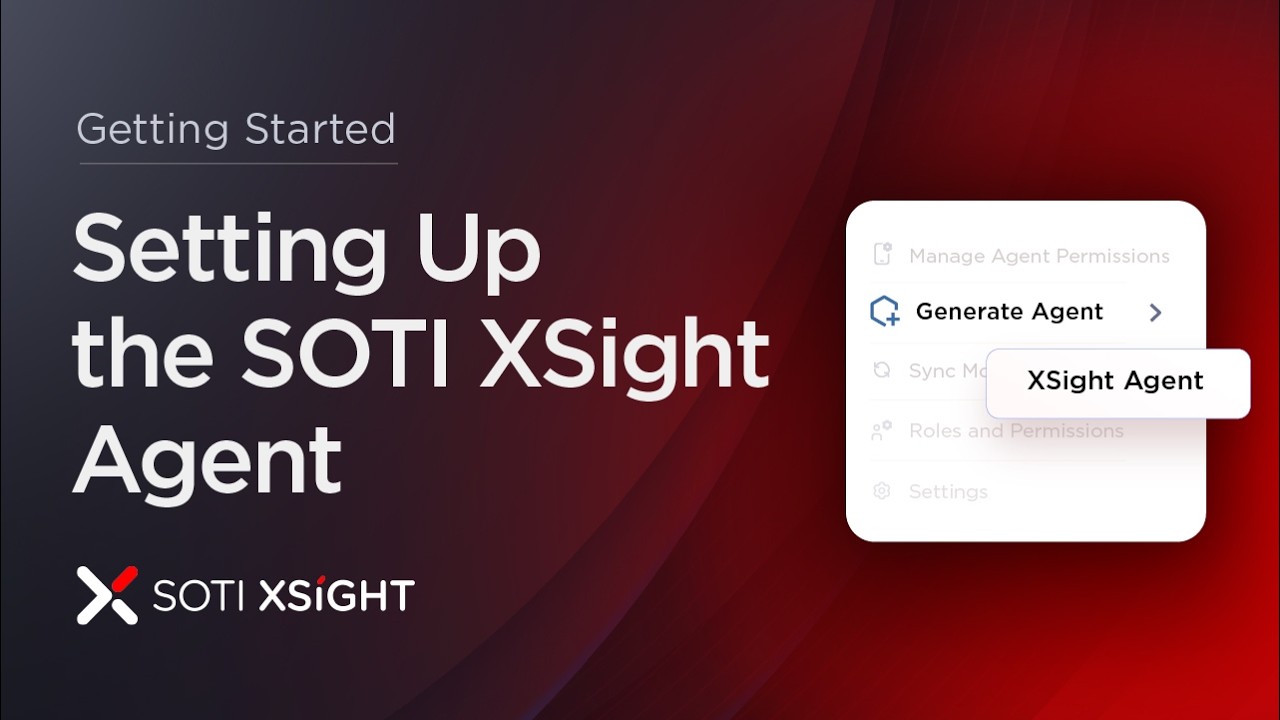
Gaining insight into device performance, connectivity and usage is critical for managing large device fleets effectively. The SOTI XSight Agent enables real‑time data collection and powers key features that help you monitor, troubleshoot and optimize device operations. In this video, you will learn how to: ✔️ Understand what the SOTI XSight Agent provides and how it works ✔️ Generate the SOTI XSight Agent from the SOTI XSight console ✔️ Deploy the SOTI XSight agent to devices using profiles ✔️ Validate installation and ensure proper connectivity Start gaining real‑time visibility into device health, performance and usage to make informed decisions and improve operational efficiency. #SOTI #SOTIXSight #DeviceMonitoring #ITOperations #UEM #DeviceManagement #ITAdmin #EnterpriseMobility #RealTimeInsights
SOTI Connect now supports camera management starting with newly supported Hikvision cameras. Hikvision cameras can now be discovered, enrolled and managed via various properties and actions within SOTI Connect.
If SOTI.net is down, Android Enterprise enrollments using the static agent URL: http://soti.net/apk/ae2 may fail because the device cannot download the SOTI MobiControl agent APK during provisioning.
Google Enterprise bindings may expire after long-term inactivity. Customers must create a new binding and contact Google Support to request migration of apps and enterprise data from the expired binding to the new enterprise.
This article documents expected behaviors, configuration dependencies, edge cases, and common troubleshooting scenarios related to Windows Modern Application deployments.