A link to reset your password has been sent to your registered email.
If you do not find it in your inbox, check your spam folder.
Didn't get email?
Verify Your Email
A link to verify your email has been sent to you.
If you do not find it in your inbox, check your spam folder.
Didn't get email?
Secure access required
The Customer Portal requires secure link authentication. Please enter your email to receive a log-in link.
By submitting, you acknowledge this form is protected by reCAPTCHA and the Google
Privacy Policy
and
Terms of Service
apply.
Check your inbox
We sent a secure sign-in link to . Click the link in the email to sign in — no password needed.
Didn't receive the link?
Link resent!
Check your email
We sent a 6-digit verification code to
.
Enter it below to continue.
Invalid verification code.
Didn't receive a code?
Code sent!
SOTI Snap App
Tutorial: How to install a SOTI SNAP App
Use the above token to get this app on SOTI Snap web console. Then, publish it on selected devices. For step-by-step directions.
Watch Video
SOTI Snap App
School Portal
By SOTI Inc.
SOTI Snap App
SOTI XSight
SHARE
Email
Copy Link
Overview
Features
Resources
Company
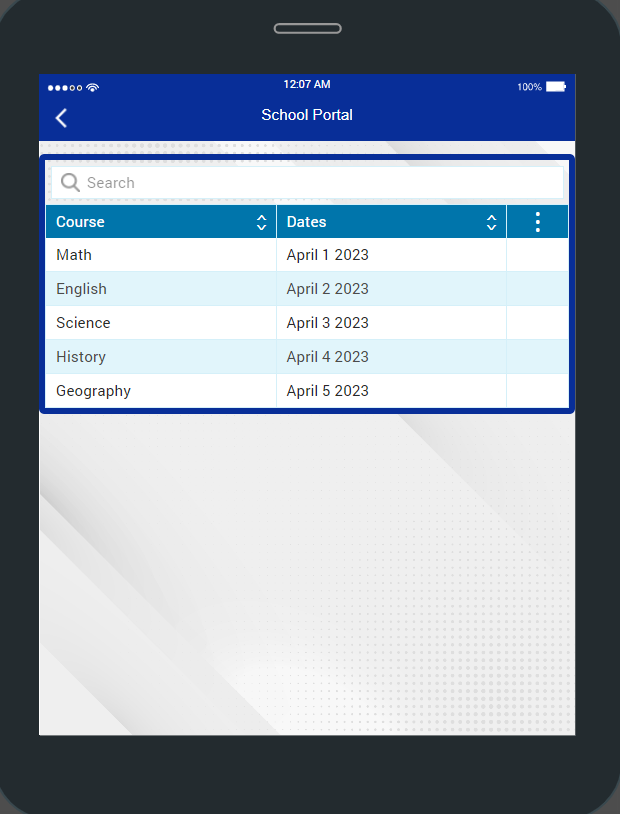
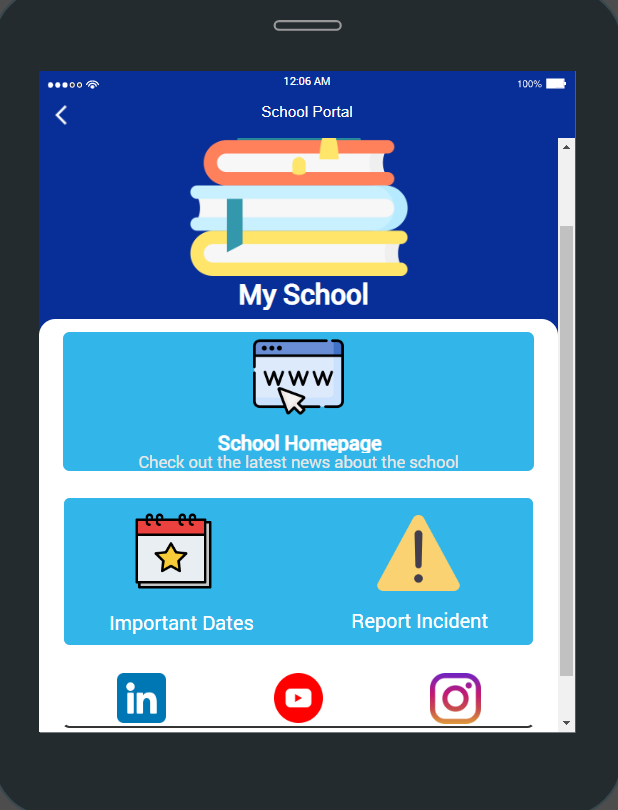
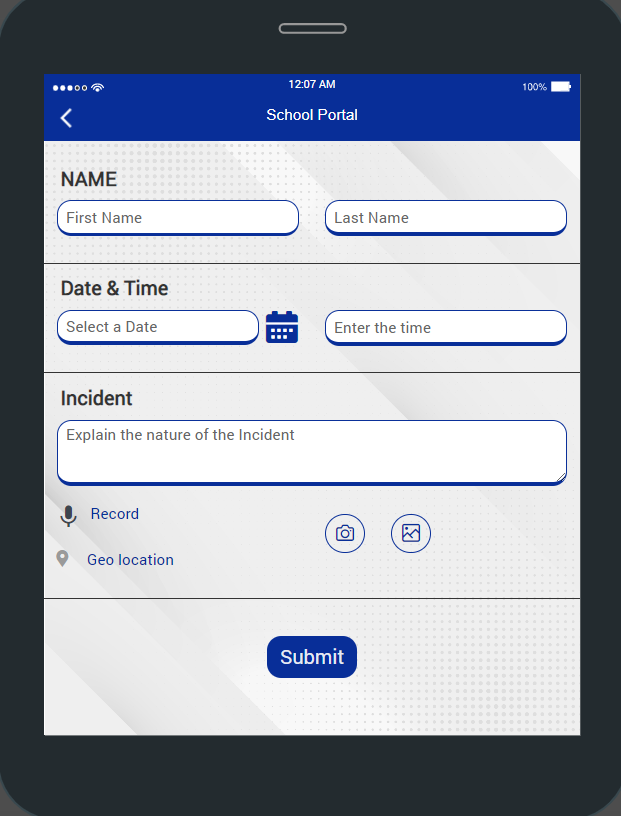
A school portal app, where students can see their school homepage, as well as important dates. It also includes webpages for the school's social media, and an option to report incidents as well.
Key Features
Images
Show logos, banners, and visualizations in the app. It also supports creation of hotspots, so users can click on specific parts of the image to trigger actions. It can also map a URL to show an image.
Web Page
Display a website or pages while still in the Snap app. Great for sandboxing a user into a specific set of web pages.
Table
Display data in a structured format consisting of rows and columns. Option to create new, edit and delete entries to the Snap report or external sources. Data can be manually entered or imported from multiple sources. Data filtering and other operations may be supported via scripting.
Textbox
For text input, you may check that it adheres to a specific sequence of letters and numbers. Show character count. Supports multi-line inputs. Allow barcode scans as input.
Radio Buttons
Provide users with multiple selections but only selecting one choice. Choices are created during design-time.
Audio
Capture and submit audio recordings.
Button
Programmable to do different things. Common use cases are page navigations or form submissions, but can also be used to do things like calculations, trigger business logic, etc. The button’s appearance is customizable.
Camera and Image Upload
Turn on device camera or upload existing images on the device. Annotate or draw on the photo as part of the submission. Option to embed EXIF data onto the photo itself to prove authenticity.
Geo Location
Users can input their location by clicking this widget. Will capture info like address, city, country, latitude, longitude, etc.
Additional Resources
School Portal App Guide.pdf
About Company
SOTI is a proven innovator and industry leader for simplifying business mobility solutions by making them smarter, faster and more reliable. With SOTI’s innovative portfolio of solutions, organizations can trust SOTI to elevate and streamline their mobile operations, maximize their ROI and reduce device downtime. Globally, with over 17,000 customers, SOTI has proven itself to be the go-to mobile platform provider to manage, secure and support business-critical devices. With SOTI’s world-class support, enterprises can take mobility to endless possibilities. For more information, visit www.soti.net.