A link to reset your password has been sent to your registered email.
If you do not find it in your inbox, check your spam folder.
Didn't get email?
Verify Your Email
A link to verify your email has been sent to you.
If you do not find it in your inbox, check your spam folder.
Didn't get email?
Secure access required
The Customer Portal requires secure link authentication. Please enter your email to receive a log-in link.
By submitting, you acknowledge this form is protected by reCAPTCHA and the Google
Privacy Policy
and
Terms of Service
apply.
Check your inbox
We sent a secure sign-in link to . Click the link in the email to sign in — no password needed.
Didn't receive the link?
Link resent!
Check your email
We sent a 6-digit verification code to
.
Enter it below to continue.
Invalid verification code.
Didn't receive a code?
Code sent!
Contact Optidev AB
Communication
TrueMobile Plug´n Play
By Optidev AB
SOTI Snap App
SOTI XSight
SHARE
Email
Copy Link
Overview
Features
Resources
Company
Bluetooth® peripherals such as printers and barcode readers that increase productivity in the workplace have been difficult for users to set up. Previously, you had to develop an interface for each individual app to connect peripherals to a smartphone or tablet in lockdown mode.
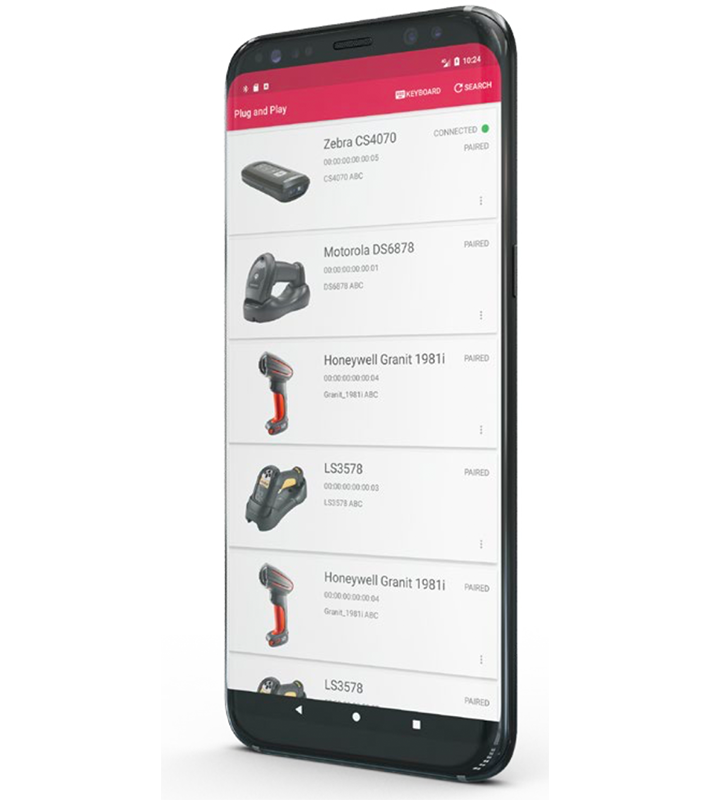
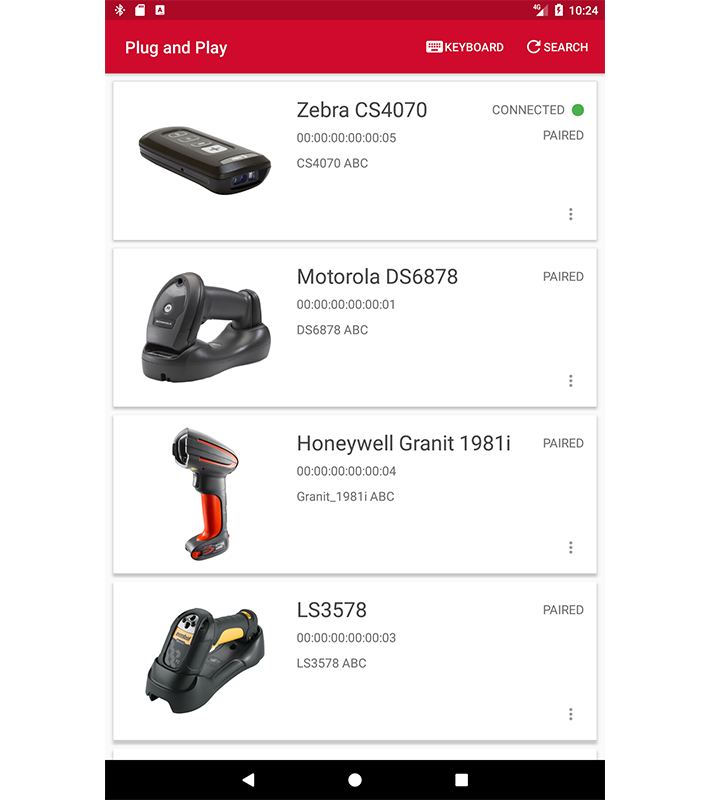
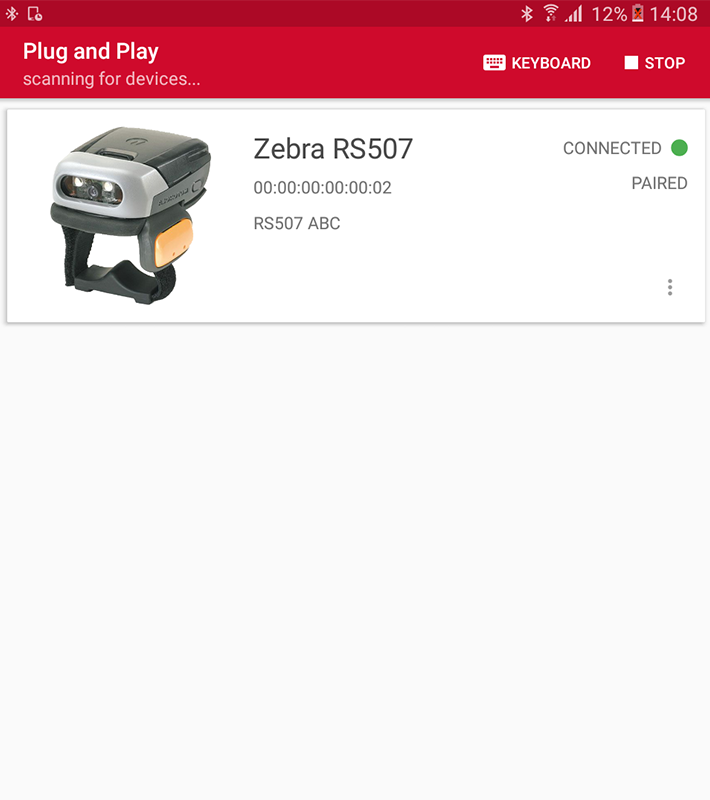
Now, you can simply install Optidev’s Plug’n Play App on your tablet or smartphone to establish an instant and robust connection to any Bluetooth peripheral. The Plug’n Play App is pre-configured for the most common Bluetooth peripherals such as barcode scanners, printers, headsets, cameras, and alarm buttons.
Connecting with selected peripherals is very easy. Instructions on how to connect are provided in a few simple steps, using images of the available Bluetooth peripherals. Then, the connection is ready for use.
Optidev Plug’n Play App also enables the use of peripherals in third-party applications or on web sites. A barcode scanner can be used by all applications, both proprietary and third party apps. Furthermore, the alpha/numeric keypad with full language support can be customized to suit the user’s needs.
Key Features
Connect in lockdown mode
Easily connect any Bluetooth peripherals by installing the Plug’n Play App on your smartphone or tablet in lockdown mode.
Works on all Androids
Optidev Plug’n Play App is developed to work on all Android devices. The software is continuously updated to work with the latest technology.
Easy to use
Optidev Plug’n Play App has a very user-friendly interface that makes it easy to use. Connection of selected Bluetooth® peripherals is done in a few simple steps.
Additional Resources
Optidev_Produktblad_PlugnPlay_APP_ENG.pdf
Optidev_Produktblad_PlugnPlay_APP_ENG.pdf
About Company
Optidev has more than 17 years experience from developing, delivering, and implementing turnkey mobility solutions and is one of the leading players in the Nordic market. The solutions include both software and hardware, enabling mobile access to mission critical information with automated data capture and traceability.
Optidev’s customers operate in many different industries, including transportation and logistics, warehousing, retail, travel, and healthcare to mention a few. All the company’s customers share the objective to streamline their operations with automated data capture and real-time communications.
Optidev’s solutions are based on the TrueMobile software platform, which has been thoroughly tested and hardened to provide maximum performance and reliability. The software application can be paired with a broad selection of certified hardware such as mobile computers, bar code scanners, printers, and wireless network equipment and can be tailored to the c