Samsung Data Sweeper

AF
Allen Foster
Koch Business Solutions

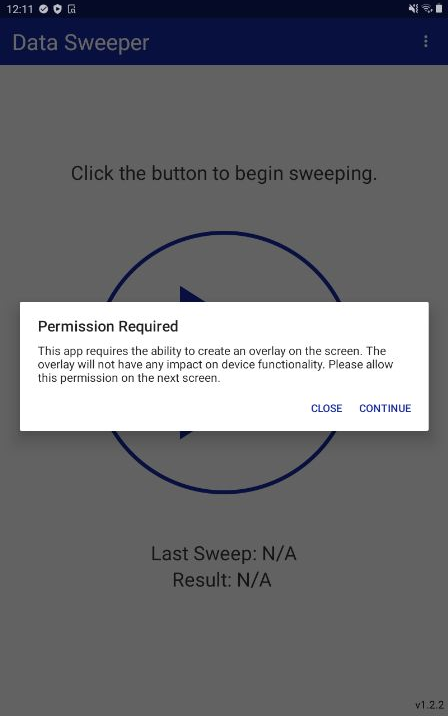
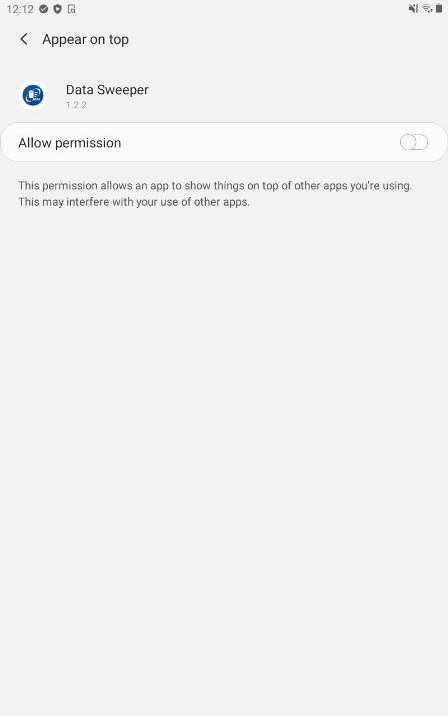
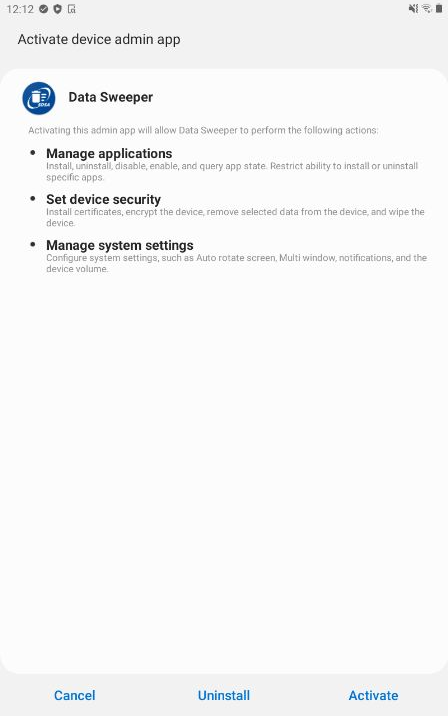
Has anyone dealt with the SDS Data Sweeper app?  After packaging and installing it will prompt to be an device admin on Android Enterprise.  It also requires the Appear on top Permission.  Any one have any luck including a script in the package to automatically activate and grant the permissions needed?  I have a company that will want it installed on about 2000 Shared Samsung devices that are already out in the field.  We don't want to have to manually go activate the app.  I have asked the developer a couple of times but have not gotten an answer yet from them.  Or does anyone have any other solutions for clearing website cookies and cache for more than just Soti Surf.  Data Sweeper can be configured to clear the data after a timeout period of inactivity or after detecting a charging state.  Let me know what you have.

Thanks in advance

Allen

5 years ago
Android
ANSWERS
J
JVMOD@SOTI Platinum Contributor
5 years ago

Hello Allen,

Thank you for your post, please share screenshot of the pop-up you get to grant permissions.

Regards,

AF
Allen Foster
5 years ago

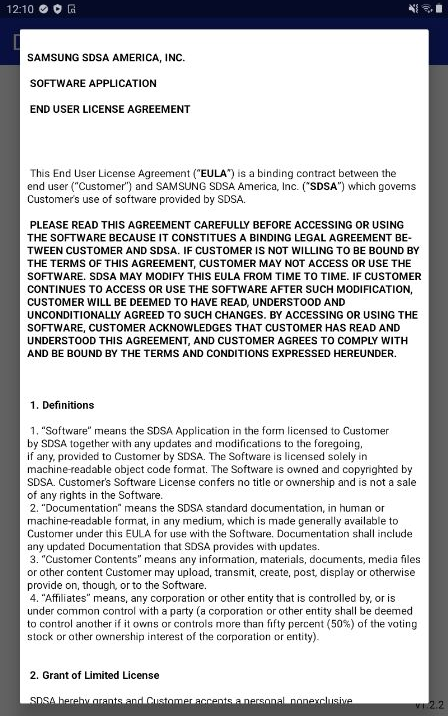
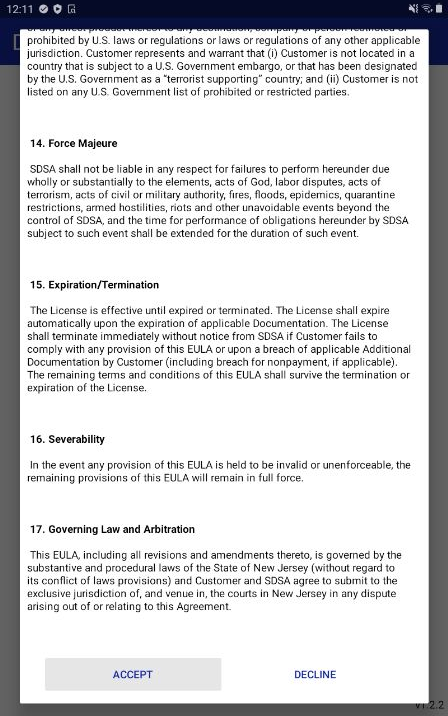
here are the screenshots.  You do have to be in admin mode to do all of this:

On a side note in order to uninstall you have to deactivate to uninstall.  so we may need to script that as well.  If that is even possible.  I am also reaching out to Samsung SDS as well.

J
JVMOD@SOTI Platinum Contributor
5 years ago

Hello Allen,

Thank you for your response, is it possible to enroll one device as Android Plus so that we can send "watchsettings on" script to get the activity value?

Regards,

AF
Allen Foster
5 years ago

it will take me some time to get it setup.  btw any idea if the watchsettings will be available in DO mode AE?

J
JVMOD@SOTI Platinum Contributor
5 years ago

Hello Allen,

Thank you for your response, it only works for Android Plus devices.

Regards,

AF
Allen Foster
5 years ago

looks like these are the three main things that get set when installing:
Custom log (URI:content://settings/secure SETTING:klm_activated VALUE:1)

Custom log (URI:content://settings/secure SETTING:onpremise_activated VALUE:0)

Custom log (URI:content://settings/system SETTING:KLMS_EXPIRY_DATE VALUE:2114467140000)

Not sure we would need to send the bottom one.  When I uninstalled it looked like the first one was set to Value:0

Custom log (URI:content://settings/secure SETTING:klm_activated VALUE:0)

So I guess I need to build a post install script and possibly a pre-uninstall script for removal?

Thanks,

Allen

J
JVMOD@SOTI Platinum Contributor
5 years ago

Hello Allen,


Thank you for your response, please try following script and check if this enables and further we can tweak the script -

writesecuresetting -sec SETTING:klm_activated 1

Regards,


AF
Allen Foster
5 years ago (edited 5 years ago)

I now have a prompt Please give write settings permission while the lock screen is on.  I did go into the settings \ apps \ mobicontrol app settings and give mobicontrol the rights to write system settings. And it is not accepting the Eula

J
JVMOD@SOTI Platinum Contributor
5 years ago

Hello Allen,


Thank you for your response, is it possible for you to attach a screenshot?

and when you enable Data Sweeper manually do you get pop-up to give permissions?

Regards, 

AF
Allen Foster
5 years ago

those screenshots are already included above.

AF
Allen Foster
5 years ago

did you get my last message?  I thought I had added all the screen shots already.  Is this something that would be better served to open a case with SOTI?

J
JVMOD@SOTI Platinum Contributor
5 years ago

Hello Allen,

Thank you for your response, we need to have a look at the device logs and debug logs.

I would recommend to create a case, please reach out to Technical Support team by creating a case or dial +1-905-624-9828.

Please click here to log a case online.

Note - please find contact numbers here with respect to specific region as above mention number is only for Canada.

Also, if this post has helped you in solving your inquiry, I would request you to mark the particular comment as "is solution", so others may benefit from this information.

Regards,

Similar Discussions