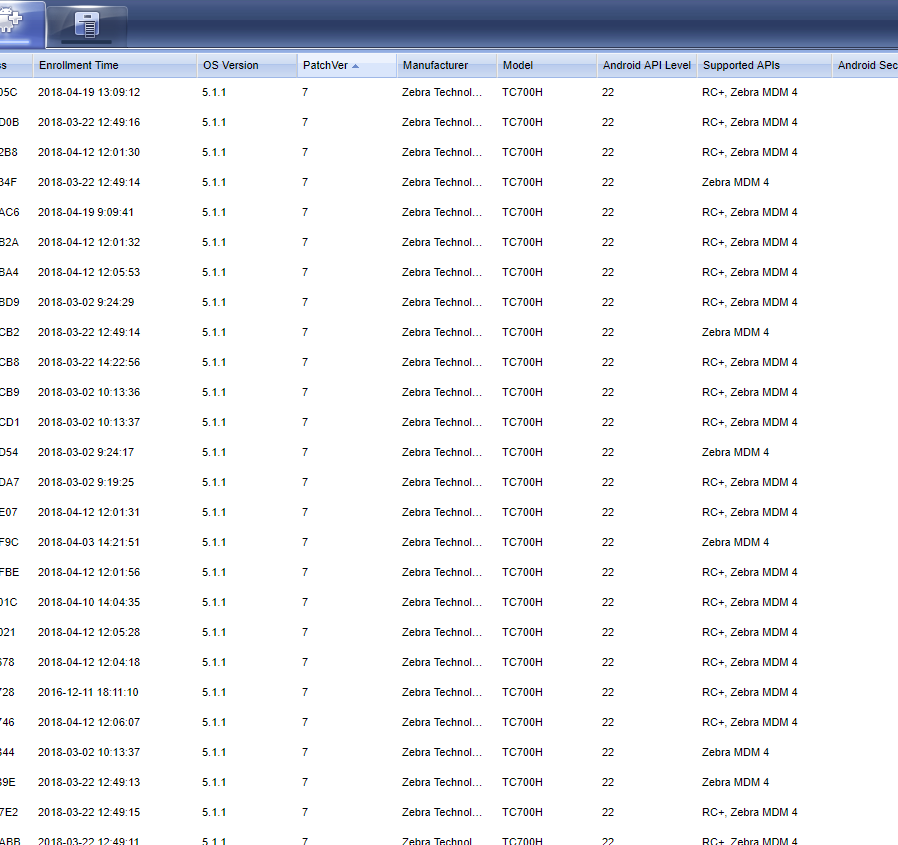
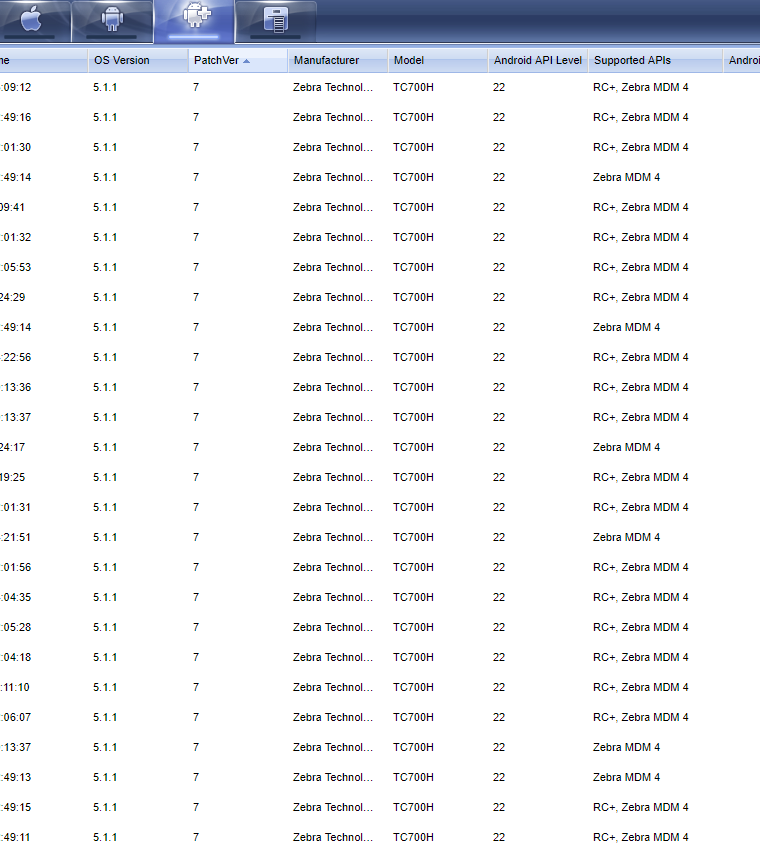
Hi, you have no idea how to install/restart APIs the remote control? The same location and installation.
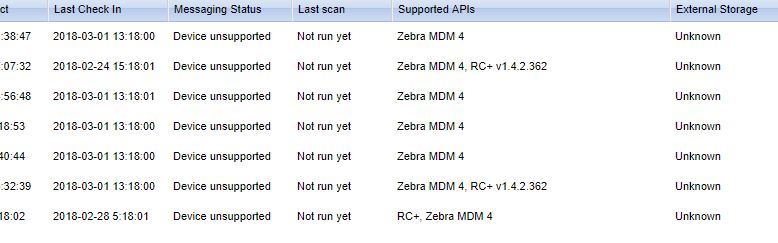

Hi, you have no idea how to install/restart APIs the remote control? The same location and installation.

Hi Bohumil,
Try sending this script to the devices and let me know the outcome.
__switch ENTERPRISE_41 VIRTUAL_DISPLAY
_resetfailedrcdetectionflag
Hope this helps.

Is this for TC20/TC25 devices by any chance? I notice that the Messaging Status lists "Device unsupported". You may need the Hawkeye specific agent for those devices.
@Bohumil Did u ever found a solution? We experiencing the same on issue multiple brands (Zebra and Honeywell). Device were up and running for at least a year and now on a few devices the remote control API is gone.

Send this script to devices with that problem.
_resetfailedrcdetectionflag
restartagent
Tell me if that works for you.

Do all the problematic devices have exactly the same hardware (brand/model and hw version) , same Android version AND build number , same device agent version AND build numbers as those with RC+ API active?
Why don't you shown a screenshot with all the "relevant" columns selected, rather than with the useless columns such as "last connect", "last disconnect", "last check in", etc.
Hi Support Staff ,
thank you very much for the solution I added a "restartagent" ...
Thank you and kind regards.
Bohumil
Hi Bohumil,
Your welcome. I assume it worked based on your reply.
I should have suggest the addition of the "restartagent" as well. Good catch.
Cheers!