Assistance Needed: Granting Access to External Users in Microsoft Entra Application 'Soti'

Solved

Hello,

I would like to grant access to guest users in my Microsoft Entra environment.

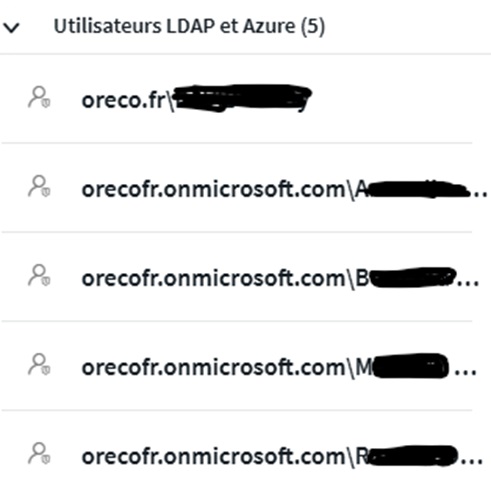
I have successfully added them to my enterprise application "Soti," as shown below:


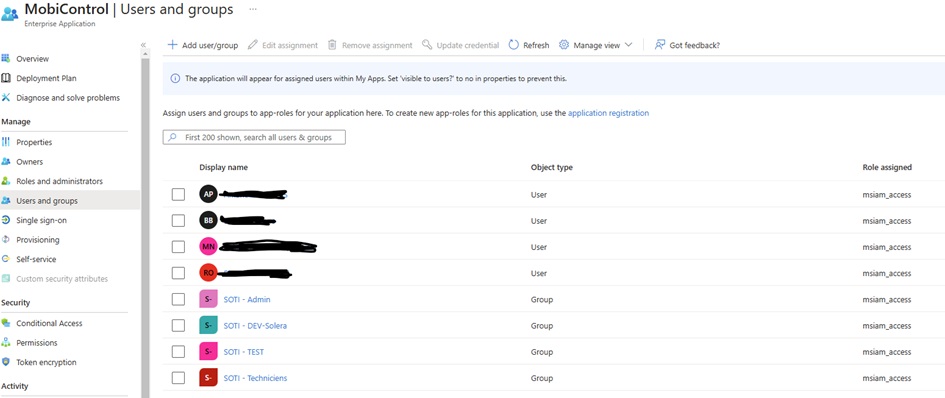
I have also assigned them permissions within Soti, as detailed below:
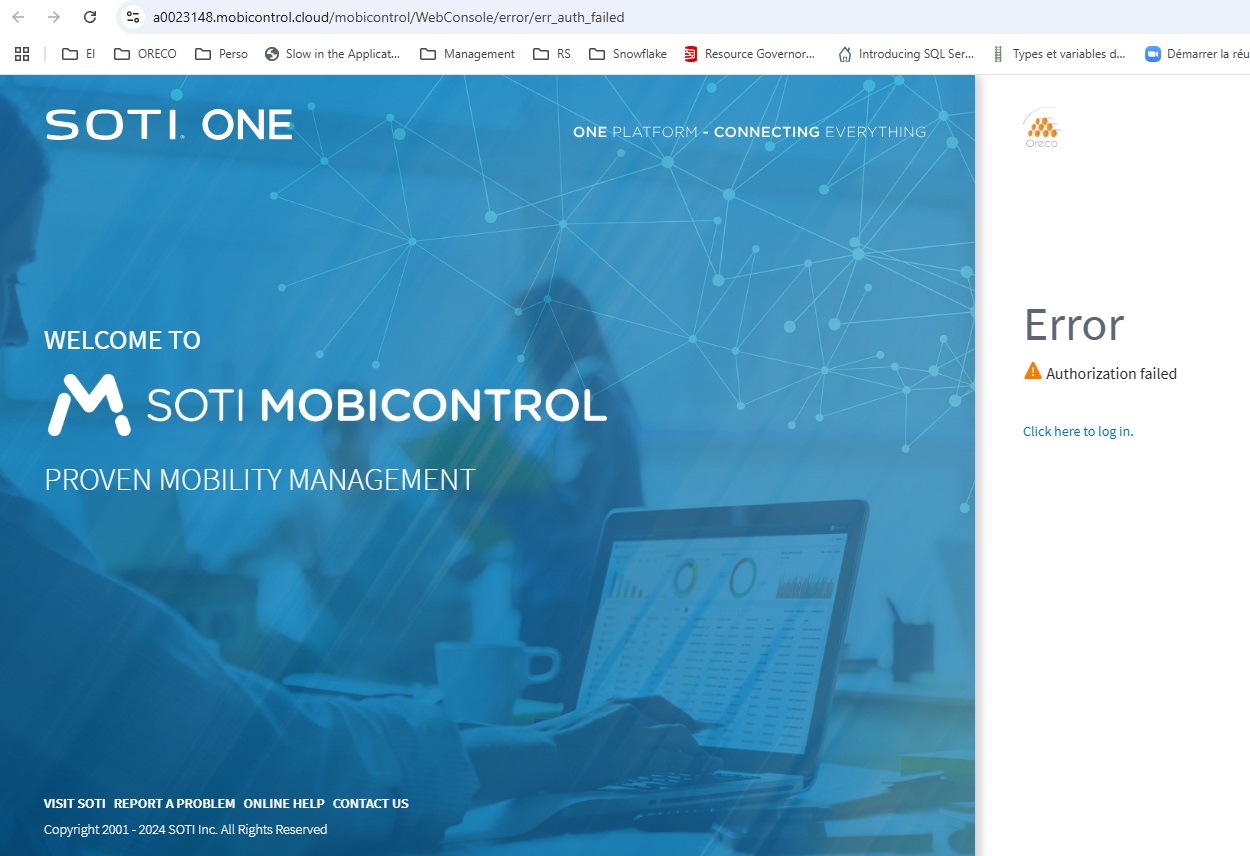
However, they are receiving an error message:


Have you already enabled your application for external users? If so, how did you do it?

Thank you in advance for your help.

a year ago
SOTI MobiControl
ANSWERS
SO
Securite ORECO
9 months ago

Hello everyone,

I had somewhat given up on the idea of granting access to visitors in my Entra, but after a long break, I finally managed to make it work!

The solution was to modify the UPN of my guest users, which was previously set to XXXXX.onmicrosoft.com instead of my actual domain. Additionally, the UPN contained special characters, which I removed. After making these changes, everything worked perfectly!

Solution
N
NSMOD@soti.net
7 months ago

Hi Securite ORECO,

Apologies for the delayed response, somehow we didn't get notified about your response. I am glad that you are able to troubleshoot the issue with the domain and navigate the special characters issue to find a solution.

If you have any questions, feel free to reach out.

Thank you for choosing SOTI.

Regards,

Technical Support | SOTI Inc. |1.905.624.9828 | support@soti.net | www.soti.net

We use Soti Identity to provide access to external (also linked to our Entra ID for our local users) and this works quite fine.

Or you could (as a temporarily workaround) add them as local users in the Soti Console.

SO
Securite ORECO
a year ago

Hello Rafael, and thank you for your response. Unfortunately, I do not wish to use Soti Identity.

I would like to use the temporary solution you suggested with a local account, but how can I access the login page without SSO? I tried this link without success: https://XXXXX.mobicontrol.cloud/MobiControl/WebConsole/?nosso=true

Do you have another method?

Afaik you need to allow the usage of nosso somewhere in the DB (but this is something from long time ago, so i may be mistaken). If thats the case and as i see you use cloud service, you need to reach out to Soti support in order to get it done/checked.

For you previous request i would recommend to ask in the Entra ID community (if there's some on MS) as i guess you are not the first one acting on that.
Another possibility would be to create Accounts, grant them only access to your Soti instance and nothing else for those externals in your Entra and provide it to them but as this will consume licenses on your end, i guess this is most likely the worst thing to be done. But on the other hand you would have full control over it.

SO
Securite ORECO
a year ago

Hello Rafael,

Thank you for your feedback. Indeed, to assist me, I will create an Entra account for them, which I will share with them.

As for my guest issue, I have opened a support ticket with the Professional Services team, which has a specialized Entra team. I will update this post with the information they provide me.

Thank you for your help.

N
NSMOD@soti.net
a year ago

Hi Securite ORECO,

I hope the suggestions provided by Rafael  have helped you answer your query. Please inform us if you require further assistance. 

Additionally, if any response has helped address your inquiry, we kindly request you to mark it as "is solution" so that others may also benefit from this information.

Thank you Rafael and Matt for your valuable suggestions.

Thank you for choosing SOTI.

Regards,

Technical Support | SOTI Inc. |1.905.624.9828 | support@soti.net | www.soti.net

SO
Securite ORECO
12 months ago

Thank you for your message. Unfortunately, the suggestions provided by Rafael have not yet resolved my issue. I would appreciate further assistance to find a solution.

Thank you in advance for your help.

Similar Discussions