Hi,
How to handle agent failed install using ppkg enrollment on modern windows.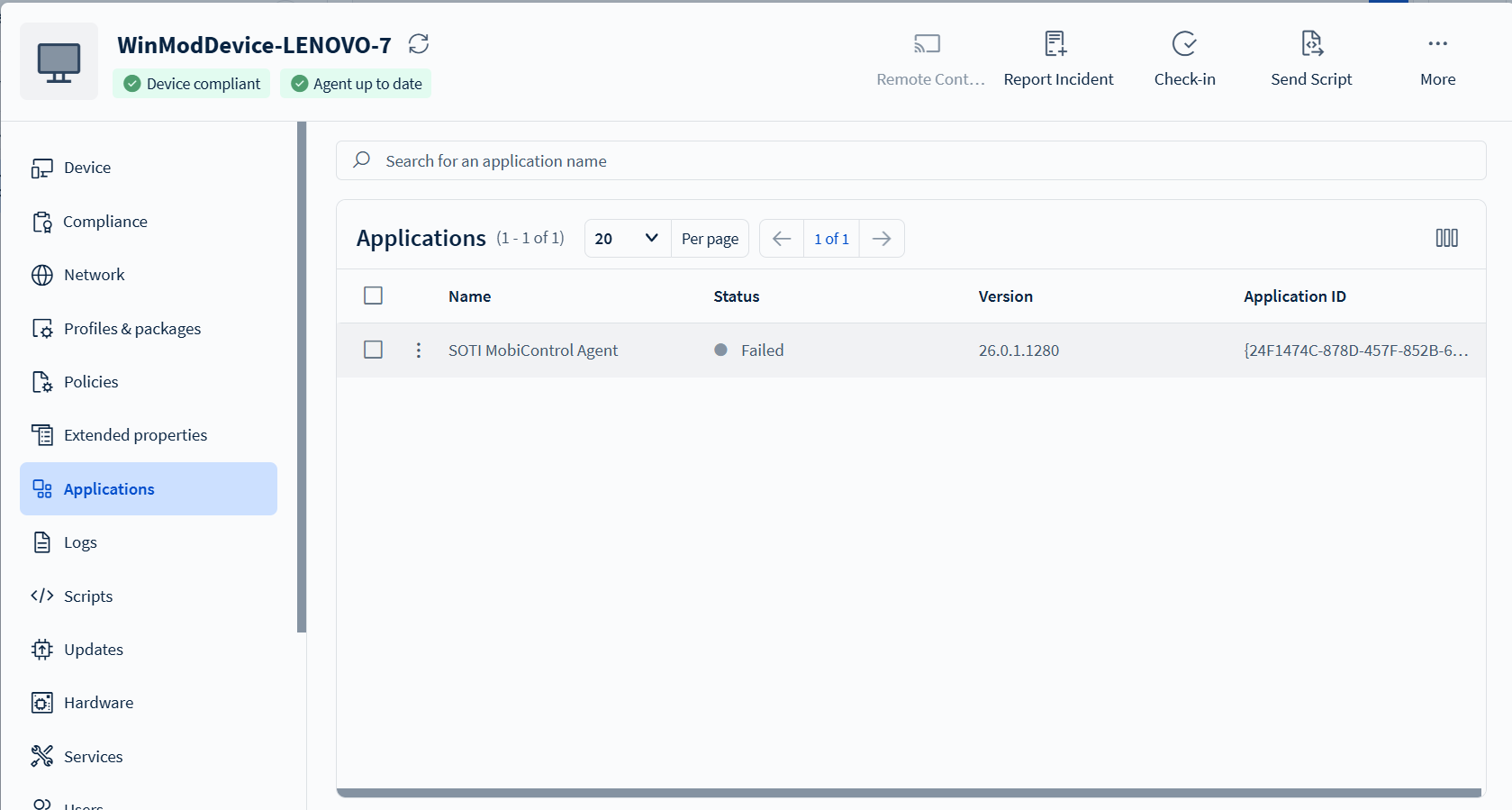


Hi,
How to handle agent failed install using ppkg enrollment on modern windows.

Are there any kind of logs you can provide as for such issues there can be several reasons why it fails?
Below I share the error log
https://drive.google.com/file/d/1ZlgVqHkCVHA98qXY1cunhFqYmbW5zHph/view?usp=sharing
I would guess some kind of network topic (replaced the IP from he logs):
"A connection attempt failed because the connected party did not properly respond after a period of time, or established connection failed because connected host has failed to respond xxx.xxx.xxx.xxx:8080" (and btw. the mentioned IP here doesn't fit the cloud server your device should connect to)
The rest of the logs, look like the agent was successfully installed, so i think it just can't communicate to the Soti Mobicontrol server (as message above taken from the logs looks like).
And as the connection was not able to be established, a automatic rollback was executed (see timestamp 15:12:27:867).
What should I do, because I tried to enroll another device with the same type of Windows, namely Windows 10 Pro with the same network, one device can enroll
try to reach the Soti console from the relevant device, test all the connections from it to the relevant server and ports required to be run, check if both devices are on the exact same network or if there are differences and so on.
examples:
I have tried to access the mobicontrol dashboard and use the device and there was no problem, until finally I downgraded the windows build version and it worked and now the device can be re-enrolled.
That sounds very weir and should be reported to the support, so they can investigate as this shouldn't make a difference for enrolling a device.

Hi Carmadi,
Thanks for posting on SOTI Pulse, Thanks Rafael, for responding to the post, your expertise and willingness to help are greatly appreciated!
Have you had an opportunity to test the suggested solutions by Rafael, and has it successfully addressed your query?
If not, or If you have any additional questions or concerns, please don't hesitate to reach out.
If you encounter the issue again, as suggested by Rafael, please open a support case so that we can proceed with further investigation and troubleshooting.
We're dedicated to providing assistance and support.