Hi
I have created custom attributes in the Global Settings / Manage Custom Attributes.
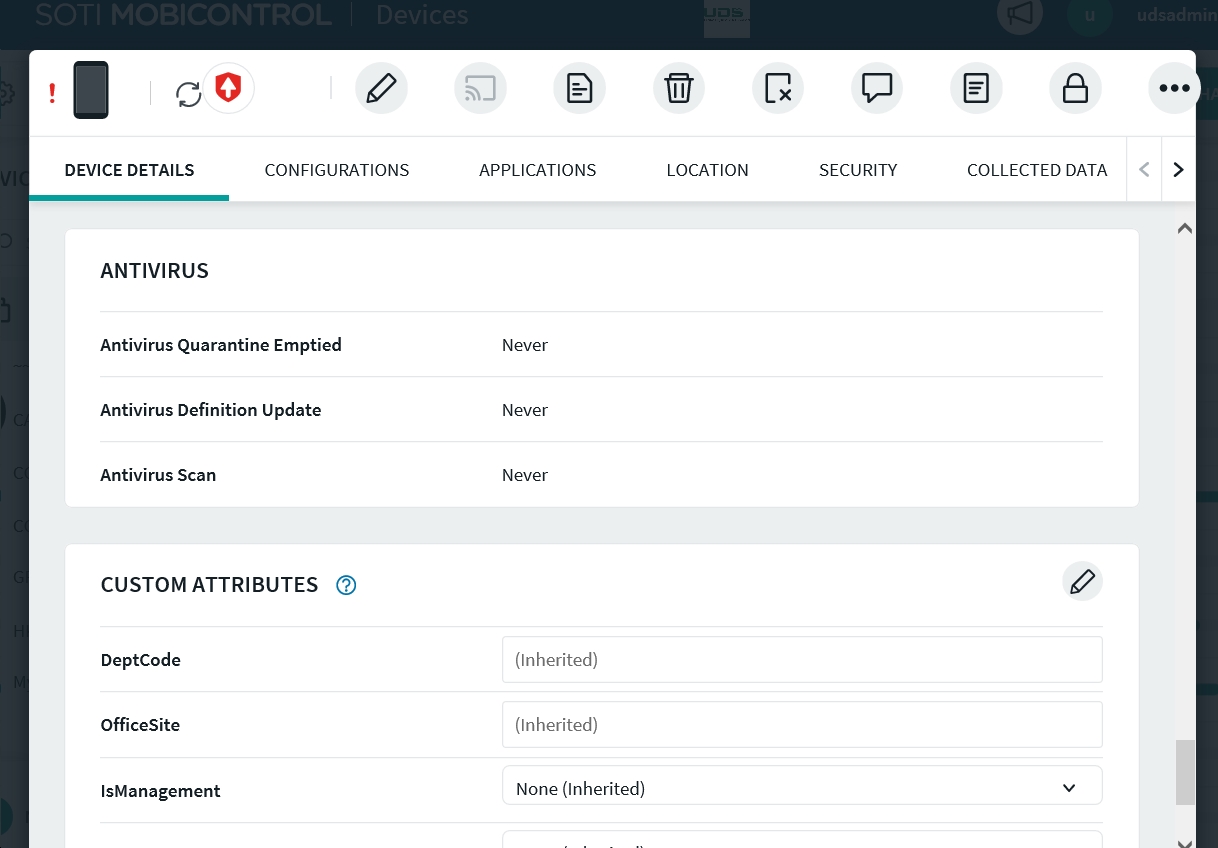
I'm able to assign custom attribute value to a device group but not to a device.
I use a version 14.3.3 of MC. The help says :
- Click a device name to open its Device Information panel.
- On the Device Details tab, scroll to the Custom Attributes section.
- Click the pencil icon to turn on custom attribute editing.
- Enter a value for the custom attribute you want to apply to this device.
- Click Save to apply the new custom attribute value.