When sending files from the device via Bluetooth SOTI blocks the select device screen, is there a way this feature can be enabled?
Thank you

When sending files from the device via Bluetooth SOTI blocks the select device screen, is there a way this feature can be enabled?
Thank you

What are the version and build numbers of your device agent?
What about the active MDM API's reported by your device agent or on your MobiControl web-console?
Have you deployed any lockdown/kiosk or application-run-control policy to your device? If so, disable them temporarily, perform whatever operation(s) you normally do to get the required bluetooth device picked on your device. Use MobiControl identify_activity or any other utility/methodology to identify the bundle-ID of the app activity/services invoked to perform the picking task. Then whitelist such app activity/service on your device to allow them to be run normally when the kiosk/application-run-control policy is restored.
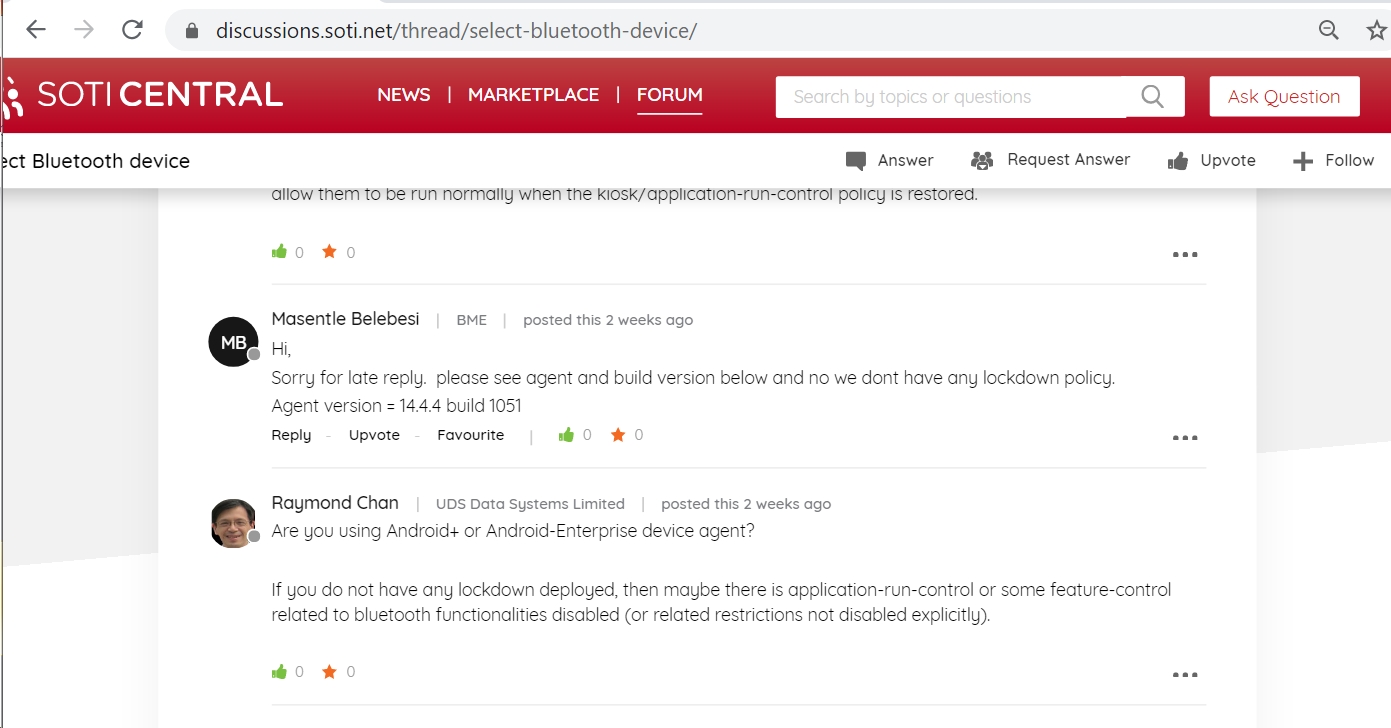
Hi,
Sorry for late reply. please see agent and build version below and no we dont have any lockdown policy.
Agent version = 14.4.4 build 1051
Are you using Android+ or Android-Enterprise device agent?
If you do not have any lockdown deployed, then maybe there is application-run-control or some feature-control related to bluetooth functionalities disabled (or related restrictions not disabled explicitly).

Hi Masentle,
Thank you for posting in SOTI Central.
Did you manage to resolve the issue? Can you detail the steps you've made to redeem it, this will help anyone else that may come across a similar issue in the future.
Regards,
Hi JCMOD,
no i was no able to resolve it, i'm still to see waiting if someone else can assist.
Hi Masentle,
You mentioned MobiControl Agent blocks the "Select Device Screen", does it show as "This action is disabled by MobiControl. Contact your organization's administrator to learn more."? If it does, then the issue is with your Feature Control Profile Configuration.
Let us know how it goes. If you need further assistance feel free to reach out.
Regards,
Hi JCMOD,
See the video on the link below:
https://drive.google.com/file/d/1WH2ynZO8pVXEUKR55XS9Z8YMS5G75Ncw/view?usp=sharing
after clicking "share blast" screen the select device screen pops up then blocked.
The application trying to send the file from the device via Intent.ACTION_SEND (https://developer.android.com/training/sharing/send). this will give you the list of nearby bluetooth devices, which is not coming up in the locked down mode
Hi Masentle,
Go into your Lockdown Profile Configuration then change the Lockdown Type to "Activity Suppression". Let us know if that helps?
Regards,
HI,
Our configurations have always been on "Activity Suppression".
Hi Masentle,
Haven't you said that you dont' have any lockdown policy in your earlier post? How come you suddenly mention about "lockowned down mode" in your new post now?
In fact, the solution is already in my first post of this discussion thread. There is no use waiting for anyone to tell you what app to whitelist. Who else has the exact same environment and apps installed as in your problematic device. So, how can anyone else find out the solution that fits your case. You just have to do it yourself on your own device.